SELECTED WORK•8 TECHNOLOGIES•2 SCREENSHOTS
Better Print To PDF
TECHNOLOGIES DEPLOYED


DEPLOYMENT & REPO
•
Project Overview
Automated full-page screenshot capture and document assembly pipeline in Python using Selenium WebDriver, Pillow, and pypdf to stitch scroll-jacked web pages into vectorized PDF reports.
⚙
Architecture & Engineering Notes
📄 BetterPrintToPDF — Automated Full-Page Screenshot & PDF Stitched Engine




A high-performance Python utility for capturing pixel-perfect, full-page scrolling screenshots of complex web applications and assembling them into print-ready, vectorized or rasterized PDF reports with customizable pre- and post-capture automation hooks.
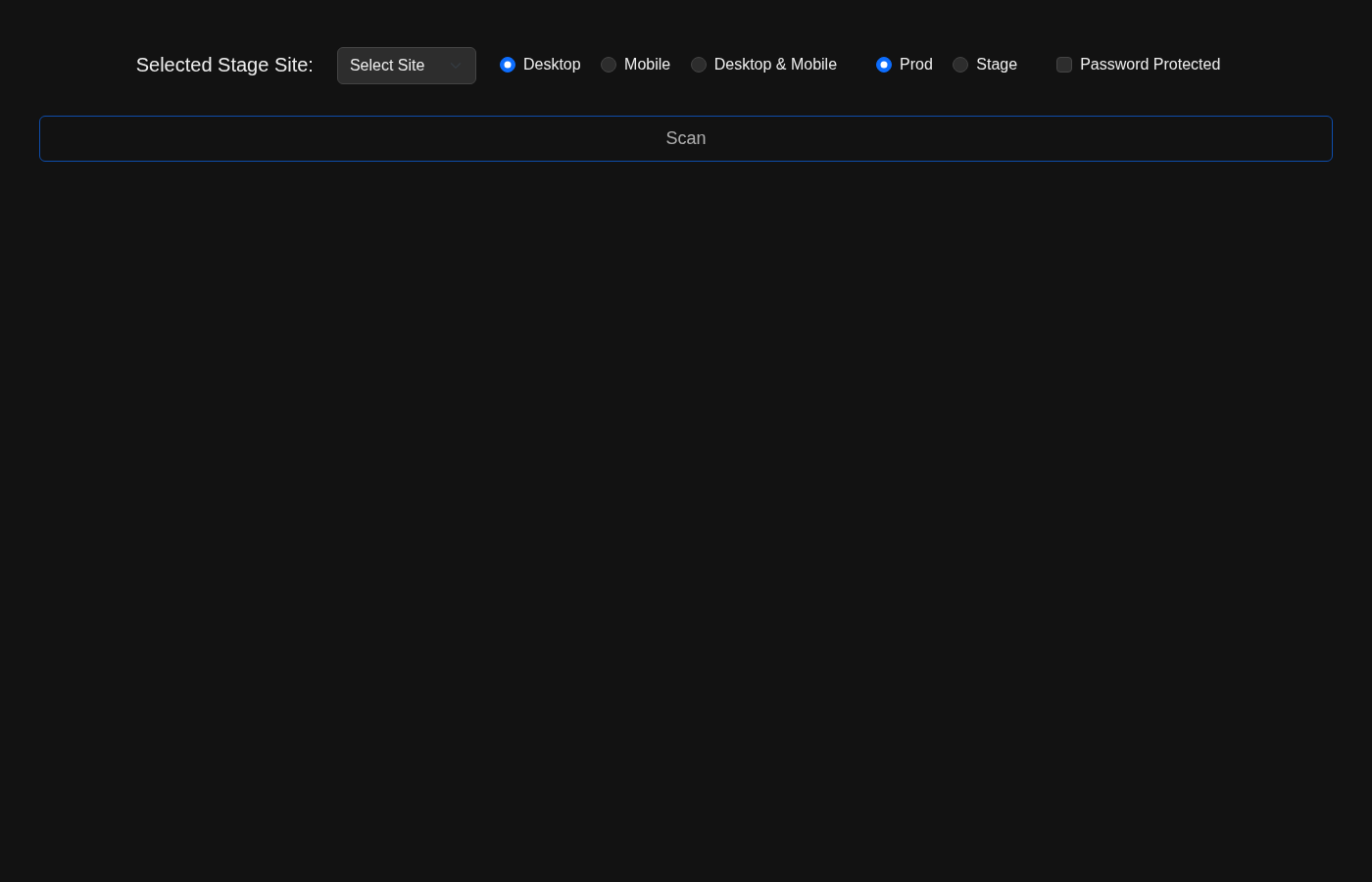
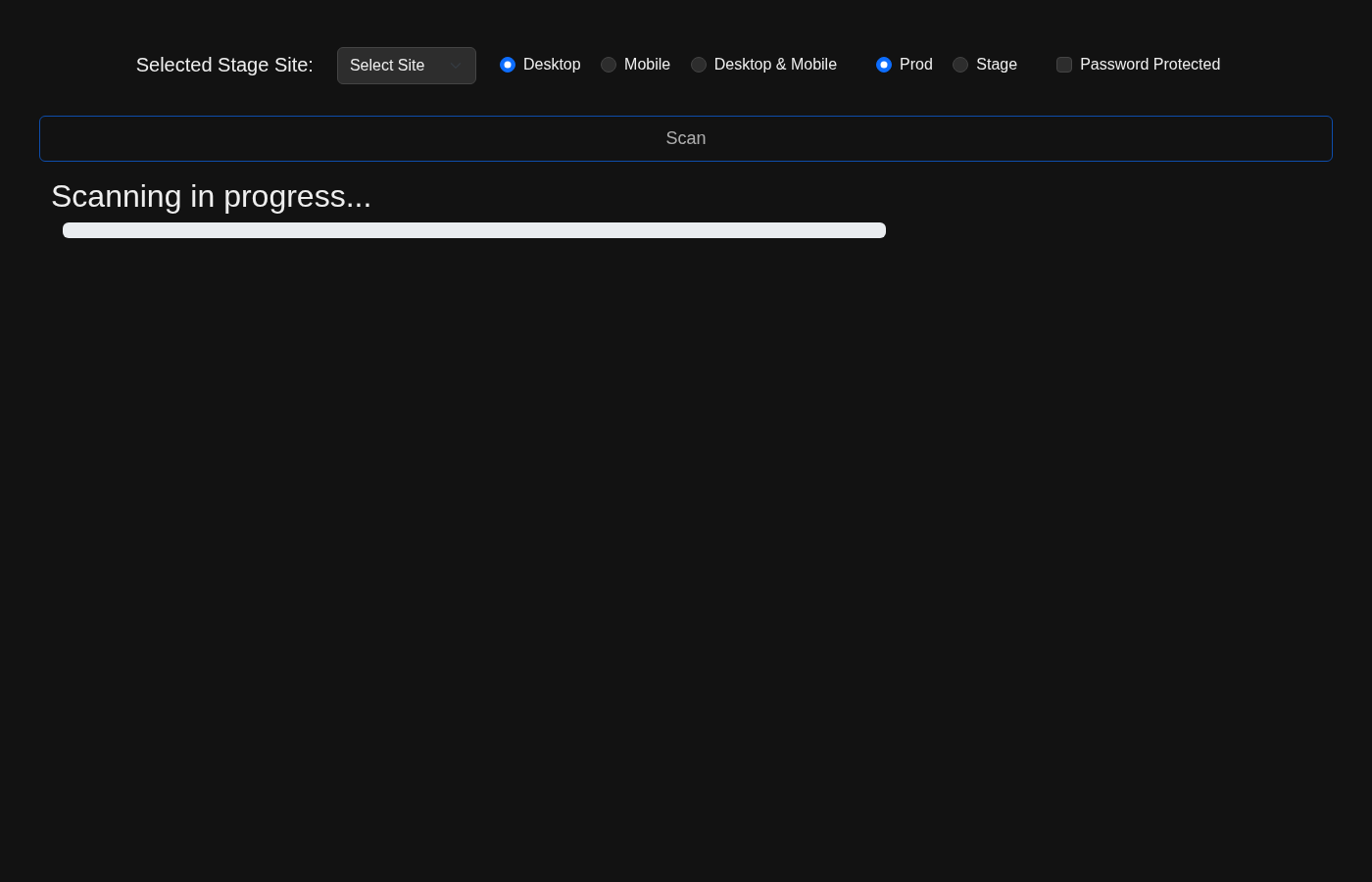
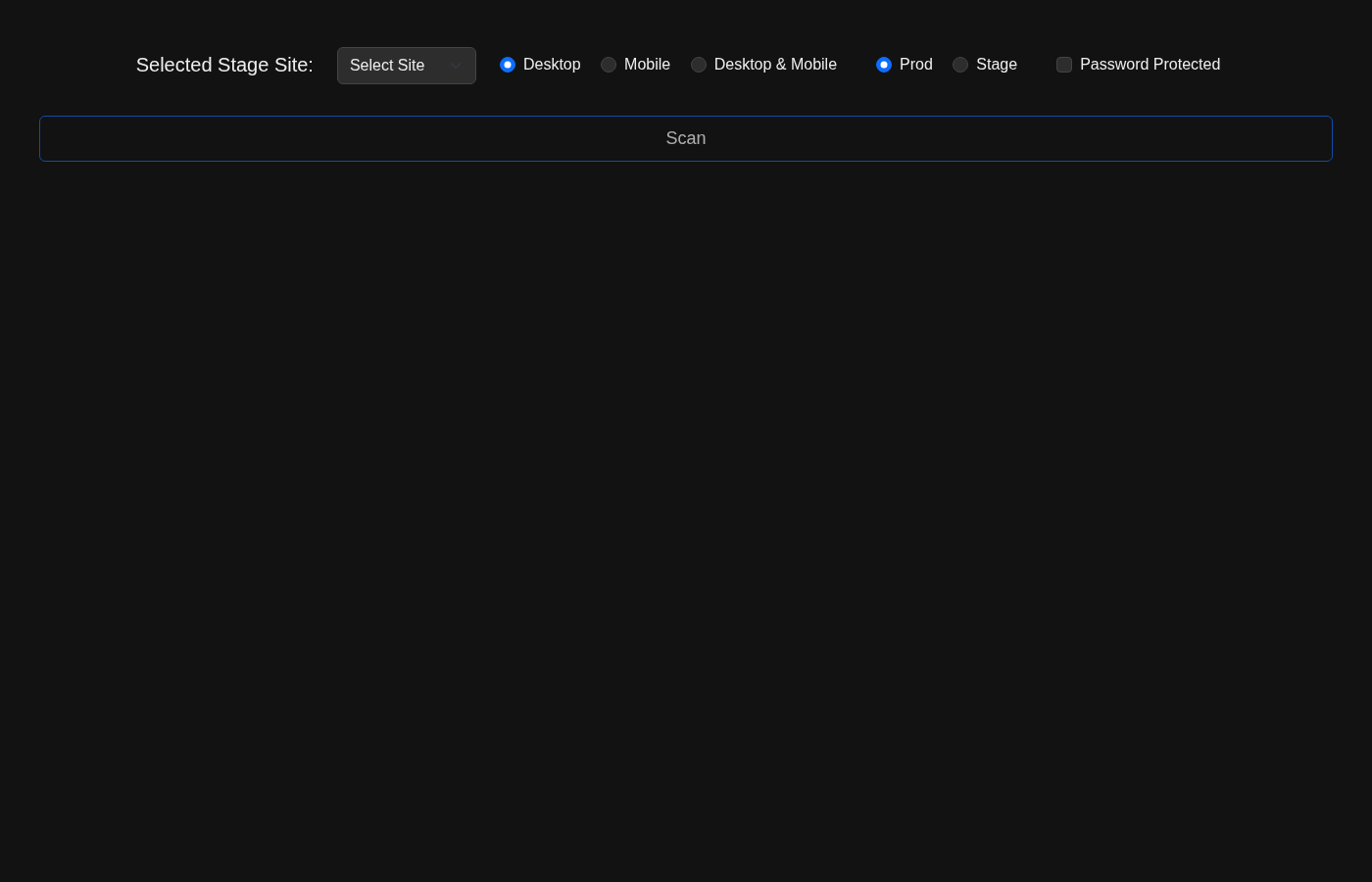
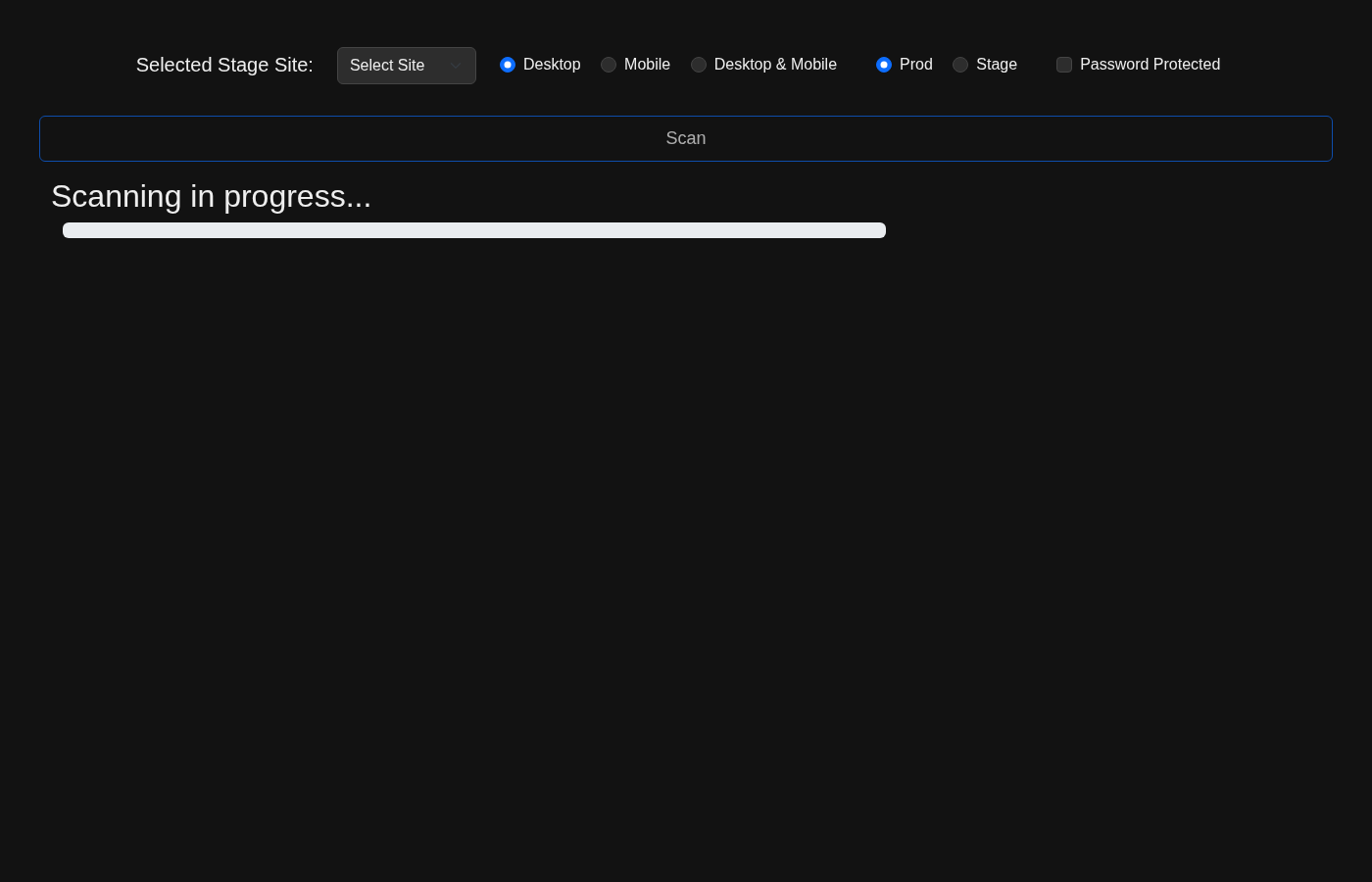
📸 Screenshots
✨ Key Features
- Full-Page Stitched Capture: Seamlessly handles scroll-jacking, dynamic sticky headers, infinite scroll, and floating navbars without visual tearing.
- Pre-Capture Automation Hooks:
- Automatically dismisses cookie banners (e.g. OneTrust), newsletter pop-ups, and GDPR modals via CSS/XPath selectors.
- Injects custom CSS to hide non-printable UI elements (chat widgets, sticky headers, fixed floating banners).
- Waits for lazy-loaded assets, fonts, and WebGL/Canvas elements to finish rendering.
- Dual Viewport Emulation: Captures both desktop (1920×1080) and mobile responsive viewports with accurate device pixel ratios.
- Multithreaded Concurrent Batch Processing: Process batches of target URLs concurrently with isolated browser sessions.
- Flexible Document Assembly: Stitches image slices seamlessly and encodes them directly into high-fidelity PDFs via
Pillowandpypdf.
🚀 Quick Start
# Clone the repository
git clone https://github.com/ryguy0601/betterPrintToPDF.git
cd betterPrintToPDF

# Install dependencies
pip install -r requirements.txt

# Run screenshot capture pipeline
python main.py --url "https://example.com" --output "output.pdf"
🛠 Tech Stack
- Core Engine: Python 3.9+
- Browser Automation: Selenium WebDriver, Chrome DevTools Protocol (CDP)
- Image Stitching: Pillow (PIL Fork)
- PDF Compilation: pypdf, reportlab