Visual Compare


Project Overview
Multithreaded visual regression and DOM-aware alignment testing engine designed to catch UI discrepancies, layout shifts, and rendering bugs across production and staging environments.
Architecture & Engineering Notes
🔍 Visual Regression Studio
A multithreaded visual regression and DOM-aware alignment testing engine designed to catch UI discrepancies, layout shifts, and rendering bugs between Production and Staging web environments.
It includes both a standalone CLI Engine and a Modern Slate Dark Tkinter Desktop GUI.
🌟 Key Features
- DOM-Aware Element Alignment (LCS Algorithm): Instead of naive static full-page screenshot diffing—which causes cascading red diffs when a single banner or element shifts—the engine extracts matching DOM blocks and uses Longest Common Subsequence (LCS) dynamic programming to align corresponding elements side-by-side prior to pixel matching.
- Automated Route Discovery: Built-in BFS web crawler using
BeautifulSoupto discover internal routes automatically while ignoring non-HTML assets (.pdf,.png,.zip, etc.). - Pre-Capture Click Automation: Dismiss cookie banners (e.g., OneTrust), pop-ups, modals, or trigger dynamic interactions via CSS selectors, element IDs, or XPaths before capturing screenshots.
- Freeze Animations & Carets: Injects CSS overrides dynamically (
animation: none !important; transition: none !important; caret-color: transparent !important;) to eliminate false positives from CSS transitions and blinking inputs. - Cross-Viewport Testing: Simultaneous parallel emulation for Desktop and Mobile (with custom resolutions, touch events, and user agents).
- Pixelmatch Difference Detection: High-speed pixel comparison with configurable delta thresholds, outputting precise mismatch pixel counts and percentages.
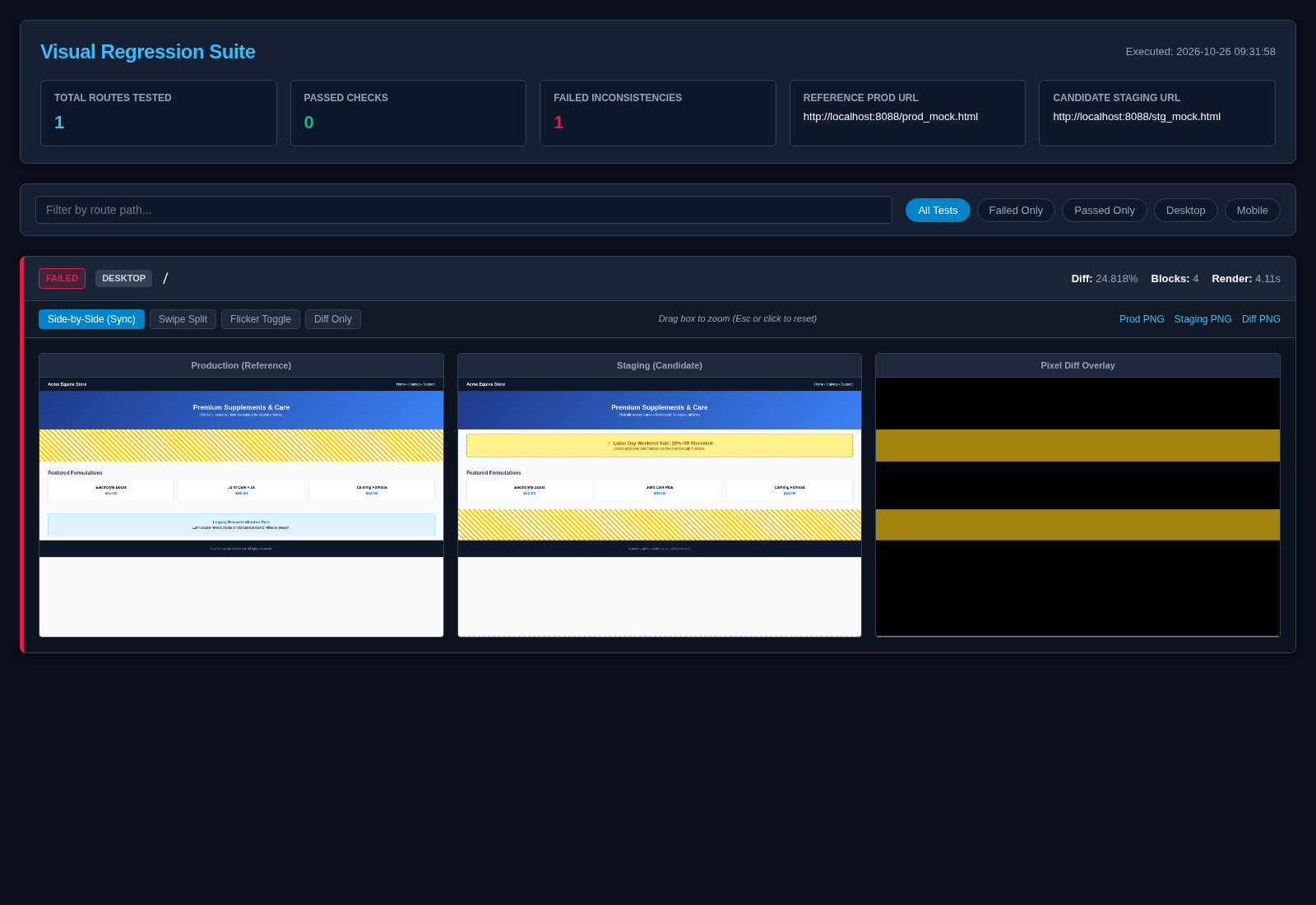
- Synchronized Visual HTML Report:
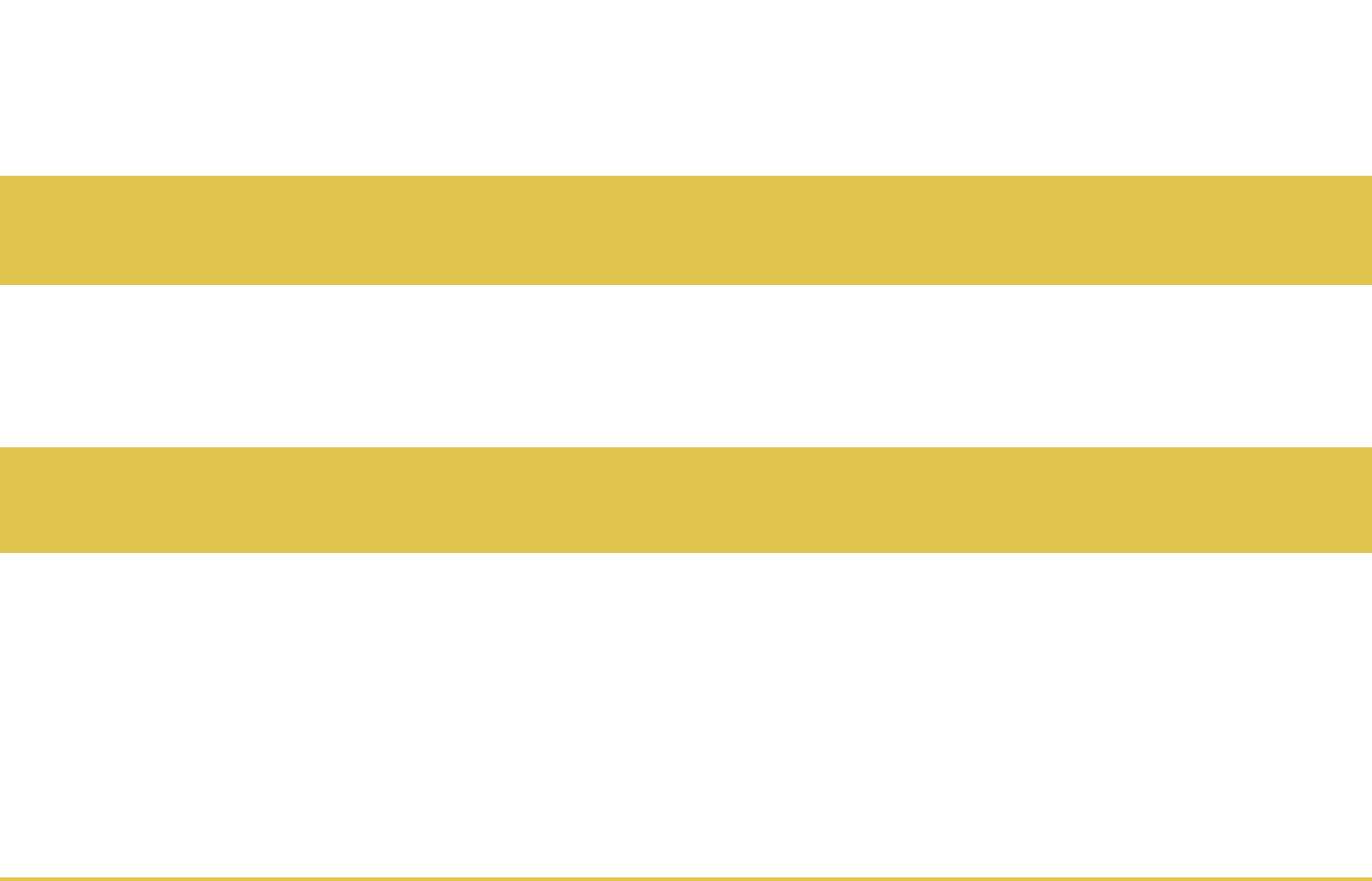
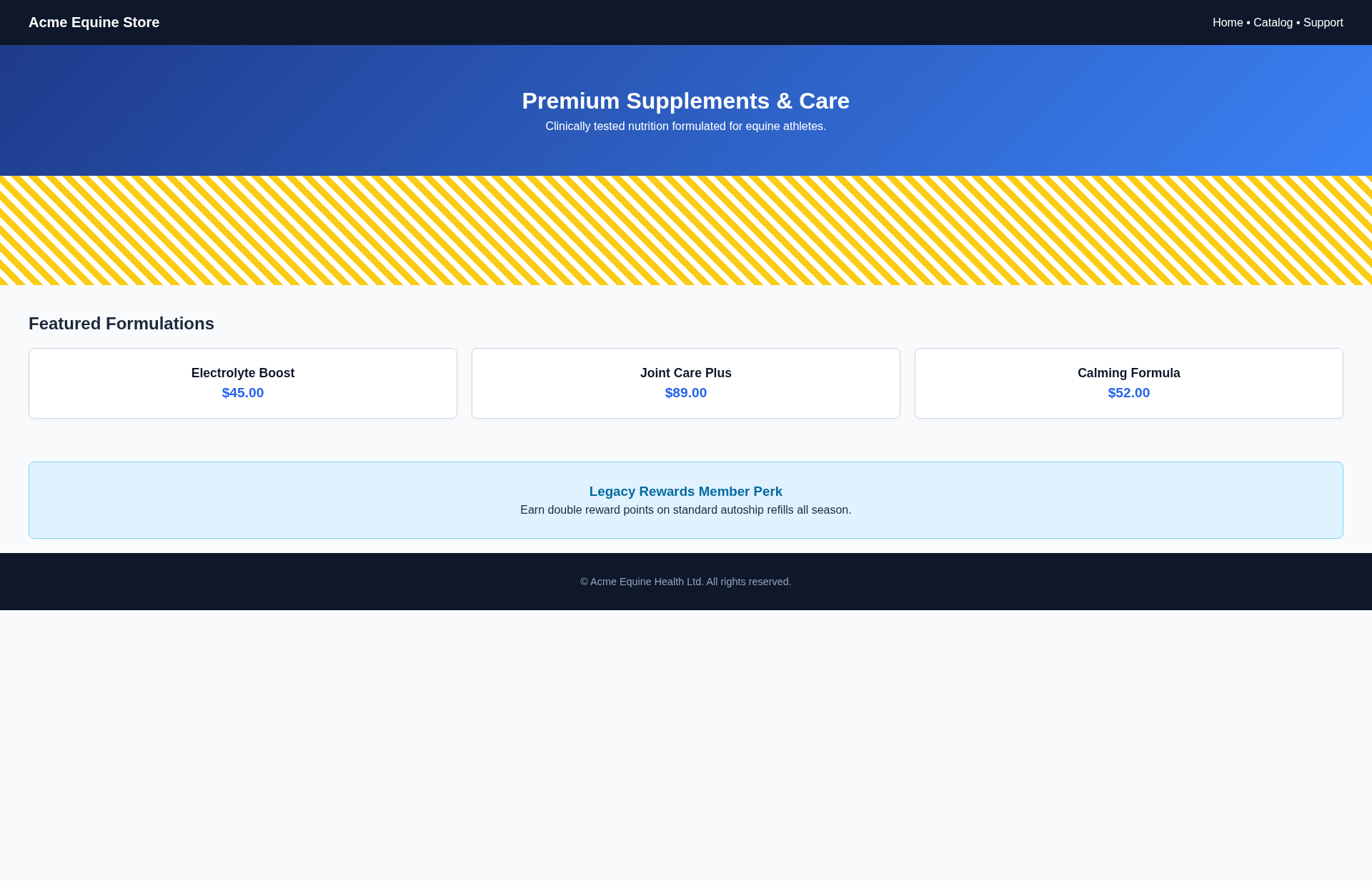
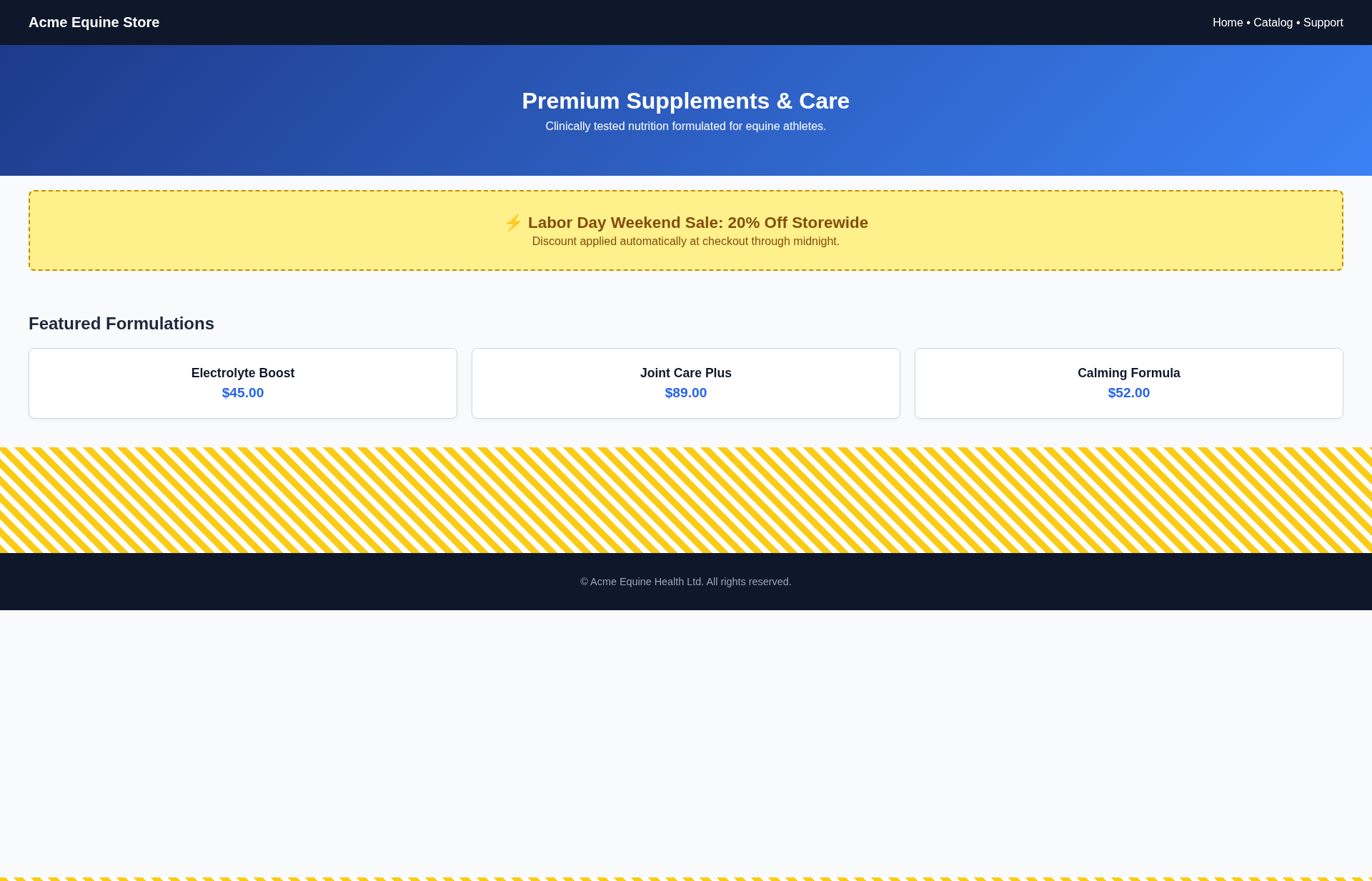
- Side-by-Side View: Synchronized vertical scrolling across Production, Staging, and the Red Diff overlay.
- Flicker/Toggle Compare: Swap between Prod, Stage, and Diff in place to detect subtle pixel movement.
- Responsive device filters (Desktop vs. Mobile).
- Modern Desktop GUI: Custom Tkinter-based dark theme interface with live terminal stream, thread process management, and cancellation support.
🏗 System Architecture
               +----------------------------------------+
               |  ModernVisualDiffGUI (Tkinter Desktop) |
               +-------------------+--------------------+
                                   | spawns subprocess
                                   v
               +----------------------------------------+
               |         diff_runner.py (CLI)           |
               +-------------------+--------------------+
                                   |
         +-------------------------+-------------------------+
         |                                                   |
         v                                                   v
 [ Crawler / Routes ]                                [ Thread Pool ]
 Crawls internal links                               Worker-1 ... Worker-N
         |                                                   |
         +-------------------------+-------------------------+
                                   |
                      For each Route x Viewport:
                                   |
         +-------------------------+-------------------------+
         |                                                   |
         v                                                   v
 [ Playwright Prod ]                                 [ Playwright Staging ]
   - Handle Clicks                                     - Handle Clicks
   - Disable Animations                                - Disable Animations
   - Extract DOM Blocks                                - Extract DOM Blocks
         |                                                   |
         +-------------------------+-------------------------+
                                   |
                                   v
             [ Dynamic Programming (LCS Block Alignment) ]
                Matches signatures: tag#id.class::text
                                   |
                                   v
             [ Aligned Canvas Generation (Pillow) ]
                                   |
                                   v
             [ Pixelmatch Engine (Threshold Delta) ]
                                   |
                                   v
             [ HTML Report (Sync Scroll & Flicker Compare) ]
📋 Requirements & Dependencies
- Python 3.9+
- Google Chrome
Install Python Dependencies
pip install playwright pillow requests urllib3 beautifulsoup4 pixelmatch
🚀 Usage
1. Launch via Desktop GUI
To launch the dark-mode graphical user interface:
python gui.py
Note: Ensure the CLI script is named diff_runner.py in the same directory (or select it manually when prompted by the GUI).
GUI Controls:
- Target Environments: Define your production baseline and staging URLs.
- Pre-Capture Click Actions: Input comma- or pipe-separated selectors to dismiss overlays (e.g.
#onetrust-reject-all-handler, .modal-close). - Route Scope: Toggle between automatic link discovery (
Auto-Crawl Routes) or defined paths (Specific Pages Only). - Execution Parameters: Tune resolutions, thread worker count, and pixelmatch threshold.
- Live Terminal: Inspect worker thread outputs, mismatch percentages, and status in real-time.
2. Run via Command Line Interface (CLI)
The runner can also be executed in headless environments or CI/CD pipelines:
# Basic run with auto-crawler (15 pages max)
python diff_runner.py \
  --prod-url https://example.com \
  --stg-url https://staging.example.com

# Target specific routes with custom viewports and click handlers
python diff_runner.py \
  --prod-url https://example.com \
  --stg-url https://staging.example.com \
  --pages / /pricing /about-us \
  --click-selectors "#cookie-accept" ".close-modal" \
  --device both \
  --desktop-res 1920x1080 \
  --mobile-res 390x844 \
  --workers 4 \
  --threshold 0.1 \
  --max-mismatch 0.5 \
  --output-dir ./diff_results
CLI Flags Reference
| Flag | Default | Description |
|---|---|---|
--prod-url |
Required | Base production URL or file path. |
--stg-url |
Required | Base staging URL or file path. |
--crawl |
True |
Automatically crawls internal pages from --prod-url. |
--pages |
None |
Space-separated list of paths (disables crawler). |
--max-pages |
15 |
Crawl limit for discovered links. |
--click-selectors |
[] |
Selectors/XPaths to click prior to capture. |
--device |
both |
Target viewport: desktop, mobile, or both. |
--desktop-res |
1920x911 |
Desktop dimensions (WIDTHxHEIGHT). |
--mobile-res |
440x956 |
Mobile dimensions (WIDTHxHEIGHT). |
--workers |
4 |
Parallel thread workers. |
--threshold |
0.1 |
Pixelmatch color sensitivity (0.0 to 1.0). |
--max-mismatch |
0.5 |
Failure cutoff percentage for status badge. |
--chrome-path |
System default | Optional custom path to chrome.exe. |
--output-dir |
visual_diff_results |
Output directory for artifacts & report.html. |
--no-open |
False |
Disables browser launch on completion. |
📊 HTML Diff Report
Upon test completion, the tool produces a self-contained report.html inside the output directory:
- Synchronized Scroll: Move through long full-page layouts with lockstep scrolling across baseline, target, and diff output.
- Flicker Mode: Toggle views in place to immediately spot shifted pixels, typography changes, or misaligned elements.
- Status Badges: Clearly highlights whether a route passed or breached the allowable mismatch threshold.
📁 File Structure
├── diff_runner.py           # Core execution engine, Playwright crawler & diff worker
├── gui.py                   # Modern Slate Tkinter UI application
└── visual_diff_results/     # Generated test artifacts
    ├── home_desktop_prod.png
    ├── home_desktop_stg.png
    ├── home_desktop_diff.png
    └── report.html          # Interactive viewer